
Written by you, labeled as provided by you.
Zentra Cards · Early access
Your next business card is a link.
Show the QR and your card opens in their browser — no app for anyone. Save contact puts you in their phone, photo included.
We set your card up with you, personally, on WhatsApp.
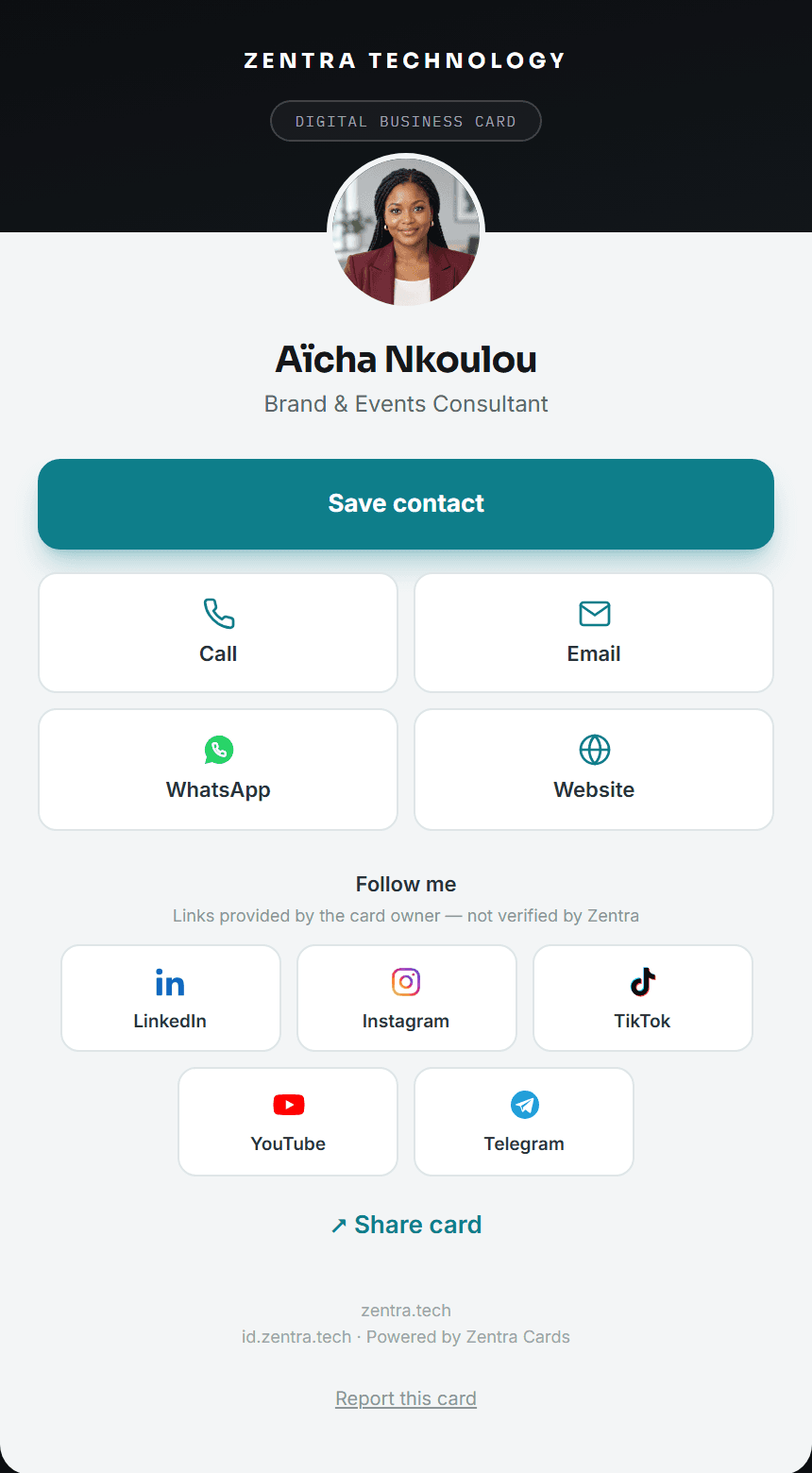
Works where you meet
- Any phone browser
- Save contact · vCard
- Apple Wallet
- Offline QR
- Print-ready
Try it now
Scan to open a sample card
Point your phone camera at the code. A real Zentra card opens in your browser — no app, no sign-up.
Simple setup
Set up in four steps
Early access is by invitation. We do the first setup with you, then the card is yours to edit.
- 1
Talk to us on WhatsApp
We set up your card, portrait, wallet pass and QR with you.
- 2
Write your card
Name, title, portrait, contacts and social links — exactly as you want them.
- 3
Publish when ready
Publish or unpublish any time. An unpublished card shows nothing.
- 4
Share it
Show your QR, send your link, add it to Apple Wallet or print it.
For companies
Built for your whole team
Every way to share
One card. Every way to share it.
QR code
Your QR screen works even when you’re offline.
Your link
One link that always opens your current card.
Save contact
A proper vCard — your photo included.
Apple Wallet
Add your card to Apple Wallet. Google Wallet is coming soon.
Print-ready card
Single-sided artwork, 3.5 × 2 in at 300 DPI with bleed.
Social links
Your profiles, one tap away — shown as provided by you.
Two products, one platform
A card you write. A credential your company issues.
Issued by an organization, with a live status page.
A social link on a card is never a verification. Verification only comes from a company-issued credential.
FAQ
Frequently asked questions
Do recipients need an app?
No. Your card opens in any browser, and saving your contact is one tap using the phone’s own contacts.
What happens when I change my details?
Your card link shows your current details. A contact someone already saved keeps that day’s details — with your card link attached.
Which wallets are supported?
On iPhone, you add your card to Apple Wallet from your dashboard. Google Wallet is coming soon — we’ll say so here until it ships.
What is the difference between Zentra Cards and Zentra Verify?
A Zentra Card is written by you. A Zentra Verify credential is issued by an organization and has a live status page it can revoke.
What does it cost?
Zentra Cards is in assisted early access while pricing is finalized. We’ll announce pricing clearly before anything is charged.
Early access · Assisted setup
We’ll set your card up with you
Card, portrait, wallet pass and QR — done together on WhatsApp.